
suno
AI Meets Canto-Pop: Making Cantonese Songs with Suno
Suno AI Team · July 31, 2026 · 6 min read
Updated: September 1, 2026 · Reviewed against the current site workflow; update this page when product behavior changes.
Keywords: suno cantonese, ai canto-pop, generate cantonese song
Published: July 31, 2026 Author: Suno AI Team
The Resurgence of Yue Music Through AI
Cantonese pop, often referred to as Canto-pop, carries a distinct cultural weight that extends far beyond simple entertainment. From the golden era of the 1980s to modern indie experiments, the tonal nature of the Cantonese language dictates the melody. When generating music with AI, specifically using Suno on MidassAI Studio, ignoring these linguistic nuances results in tracks that feel hollow or linguistically incorrect. This guide walks through the specific workflow required to generate authentic-sounding Cantonese tracks, ensuring the AI respects the six tones of Yue Chinese.
Generating music in a tonal language is fundamentally different from generating English pop. In English, stress timing drives the rhythm. In Cantonese, pitch contour drives meaning. If the AI ignores the tones, the lyrics become nonsense to a native speaker. We are not just prompting for a genre; we are prompting for linguistic accuracy.
Who This Workflow Is For
This guide is designed for content creators looking to localize music for Hong Kong or Guangdong audiences, musicians experimenting with AI-assisted composition, and cultural archivists interested in preserving Yue dialects through modern mediums. If you are relying on standard auto-generated lyrics, you will likely encounter pronunciation errors. This workflow assumes you are willing to input custom lyrics to maintain control over the phonetic output.
Why Custom Mode Is Non-Negotiable
Suno offers two primary modes: Simple and Custom. For Cantonese, Custom Mode is not just an option; it is a requirement. In Simple Mode, the AI generates both lyrics and music. While convenient for English, the model's training data is heavily skewed toward Western phonetics. When asked to generate Cantonese lyrics from scratch, the AI often hallucinates sounds that mimic Cantonese without adhering to actual vocabulary or tonal structures.
By switching to Custom Mode, you separate the lyrical composition from the musical generation. This allows you to write or paste verified Cantonese lyrics into the text box. You ensure that the characters are correct before the AI attempts to sing them. This step reduces the iteration count significantly. Instead of generating ten tracks to find one with correct pronunciation, you can focus on refining the musical style while the lyrics remain constant.
Styling the Sound: Prompt Engineering for Canto-Pop
The style prompt in Suno determines the instrumentation, tempo, and production quality. For Canto-pop, generic tags like "pop" are insufficient. You need to evoke the specific production styles associated with Hong Kong music history.
Effective style prompts often combine era-specific descriptors with instrumentation. For a classic 80s ballad feel, use tags like Cantopop, 80s HK Pop, Synthesizer, Ballad, Emotional Male Vocals. For a modern indie vibe, try HK Indie, Cantonese Rock, Lo-fi, Dream Pop. The order of tags matters. Placing Cantopop at the beginning weights the genre heavily.
Avoid overloading the prompt. Suno performs best with concise stylistic directions. If you add too many conflicting genres, the model may default to a generic Western pop structure that clashes with the lyrical flow. Keep the style prompt under 200 characters for optimal adherence.
Lyric Engineering for Tones and Flow
Writing lyrics for AI generation requires a different mindset than writing for human singers. AI models struggle with complex rhythmic syncopation unless explicitly guided. When writing Cantonese lyrics for Suno, structure is key.
Use standard song structure markers in the lyrics box. Tags like [Verse], [Chorus], and [Bridge] help the model understand the dynamic shifts. For Cantonese, you can add phonetic guidance if the AI mispronounces specific characters. While Suno does not support IPA (International Phonetic Alphabet) directly, breaking lines into shorter phrases can force the AI to pause correctly.
Consider the tonal contour. Cantonese has six tones. While you cannot explicitly tell the AI "use tone 3 here," you can influence the melody by choosing words with matching natural pitches. If the melody rises, use high-tone words. If it falls, use low-tone words. This manual alignment reduces the "uncanny valley" effect where the singer sounds like they are fighting the melody.
Quick Takeaways
Visualizing the Track with Midjourney
A song is rarely consumed in isolation today; it is part of a visual package. Once you have generated your audio track in Suno, the next step is creating accompanying visuals. This is where the Midjourney integration within MidassAI Studio becomes vital. You can generate album covers, lyric video backgrounds, or promotional social media assets that match the mood of your Canto-pop track.
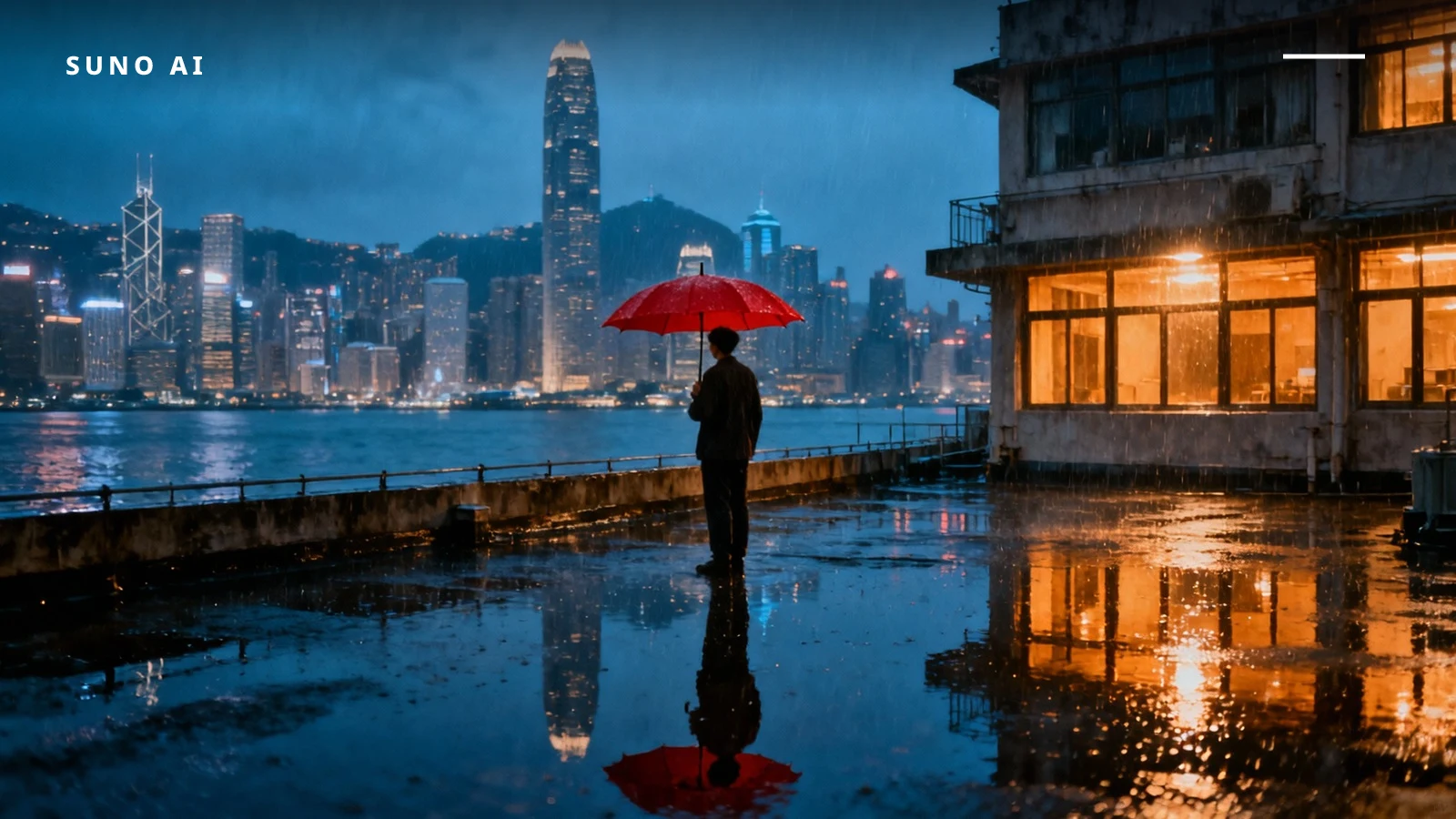
When prompting for visuals, match the era of your music. If you generated an 80s ballad, use Midjourney parameters to evoke that aesthetic. A prompt like 1980s Hong Kong street night, neon signs, rain slicked pavement, cinematic lighting --ar 16:9 --style raw --v 7 creates a cohesive visual identity. The --style raw parameter reduces artistic embellishment, keeping the image grounded in the realistic aesthetic typical of classic MVs.
Consistency between audio and visual builds trust with your audience. If the song sounds modern but the artwork looks generic, the production value feels lower. Use the --sref parameter in Midjourney to maintain style consistency across multiple images for a full music video storyboard.
The Mindset of Iteration
AI music generation is not a one-click solution. It is a collaborative process between human intent and machine execution. Expect to generate multiple variations. Even with perfect lyrics, the AI might choose a melody that clashes with the natural tone of the words. When this happens, do not change the lyrics immediately. Try adjusting the style prompt first. Sometimes shifting from Ballad to Slow Jam changes the melodic contour enough to fit the tones correctly.
Save your successful prompts. Building a library of working style combinations saves time on future projects. If Cantopop, 80s, Synthesizer worked once, it will likely work again for similar tracks. Document these successes in your workflow notes.
Expanding the Ecosystem: Video and Tools
Beyond static images, you can extend the workflow into AI video generation. Tools available within the MidassAI ecosystem can animate your Midjourney stills to create lyric videos. Syncing the visual transitions with the beat drops identified in your Suno track creates a professional finish.
Additionally, consider using AI tools for mastering. While Suno outputs mixed audio, additional processing can enhance the low-end frequencies often lost in AI generation. This step is crucial for Canto-pop, which typically features rich bass lines and crisp percussion.
Moving Forward with MidassAI
The convergence of audio and visual AI tools allows independent creators to produce content that rivals major label outputs. By respecting the linguistic nuances of Cantonese and leveraging the right parameters in Suno and Midjourney, you can create culturally resonant music. The technology is ready; the creativity comes from how you guide it.
Ready to expand your creative toolkit beyond audio? Explore the full suite of visual generation tools to complement your music production.